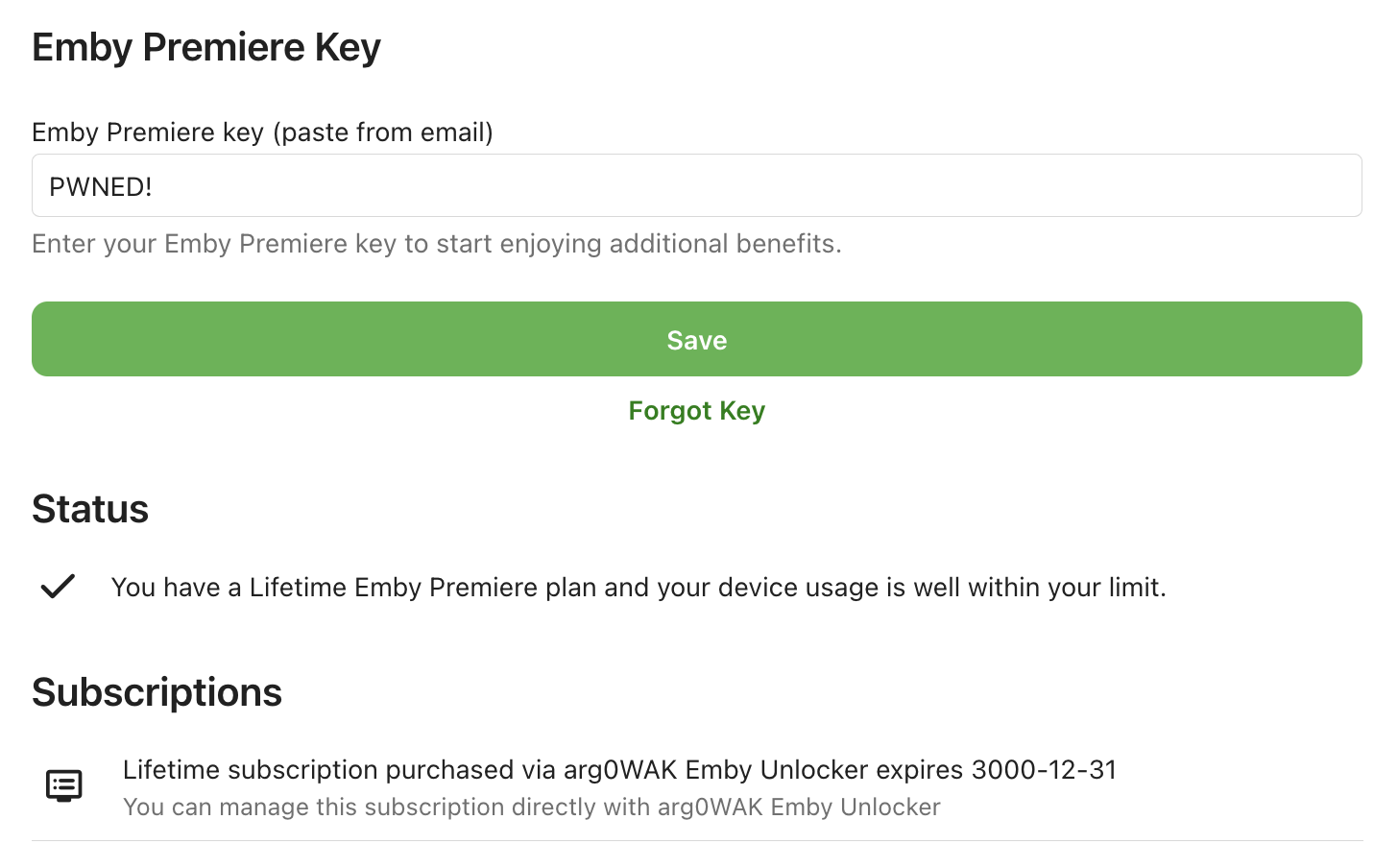
Emby Proxy Helper
⚠️ Legal and Ethical Notice (For Educational Purposes Only)
This project is intended solely for educational, research, development, and testing purposes on networks under your control. Using this software to bypass licensing mechanisms, use paid features without authorization, or violate terms of service is not recommended, and the responsibility lies entirely with the user.
🚀 Overview
Two Docker-based services: Emby Server + Nginx helper Host scripts: Windows, Linux, macOS (shell/ folder) Services can access the same files via shared volumes and networks
⚡ Startup
Edit docker-compose.yml file.
environment:
      - PROXY_PORT=8097 # You can change that if you want.
Run the start.cmd file according to your operating system.
Windows
> .\start.cmd
Linux/Mac
$ sudo sh start.cmd
🛠 Configuration
Do not modify the mount and interface structure in docker-compose.yml.
Add your media paths under x-common-volumes.
🌐 To access Global Premiere Features (Global Reverse Proxy)
A proxy server is required for this process. (e.g., Raspberry Pi)
-
Install AdGuard Home
-
Assign a static IP to the Pi
-
Assign a subdomain to your domain address on Cloudflare:
dns.example.comType Name Proxy TTL A dns DNS only - reserved IP Auto -
Obtain a Let’s Encrypt SSL certificate for
dns.example.comusing Certbot -
Restart AdGuardHome.service
-
Go to dns.example.com → Setup tab → Configure DoH / DoT settings for your modem network
Add a global host:
35.209.229.156 mb3admin.com
📱 Client Apps
Depending on your needs, you can use one of the following apps:
- Android TV
- Android
- iOS
- Apple TV
Log in to the server and confirm the certificate warning to proceed.
Manual Certificate Installation (Optional)
If you want to use Emby via a web browser, you will likely need to install the certificate manually. Under normal circumstances, start.cmd automatically handles this for your operating system. However, for devices like PlayStation and Xbox, you can also try installing the certificate manually using a Homebrew Enabler/Payloader.
Download the *.crt file from below and install it on the relevant device.
$ curl -O https://arg0.dev/emby/mb3admin.crt
Alternatively, if you cannot do this, you can bypass the HTTP error by simply visiting mb3admin.com in your browser before accessing the Emby web interface, and then proceed with the Emby web environment.
That’s it.
Summary
This project should be used to: Learn network configuration Test reverse proxy logic Examine Docker-based service architectures. In real-world use cases, you must always comply with the relevant software’s license and terms of use.